
The collector's edition
How to Sell Gaming Peripherals for a Good Price
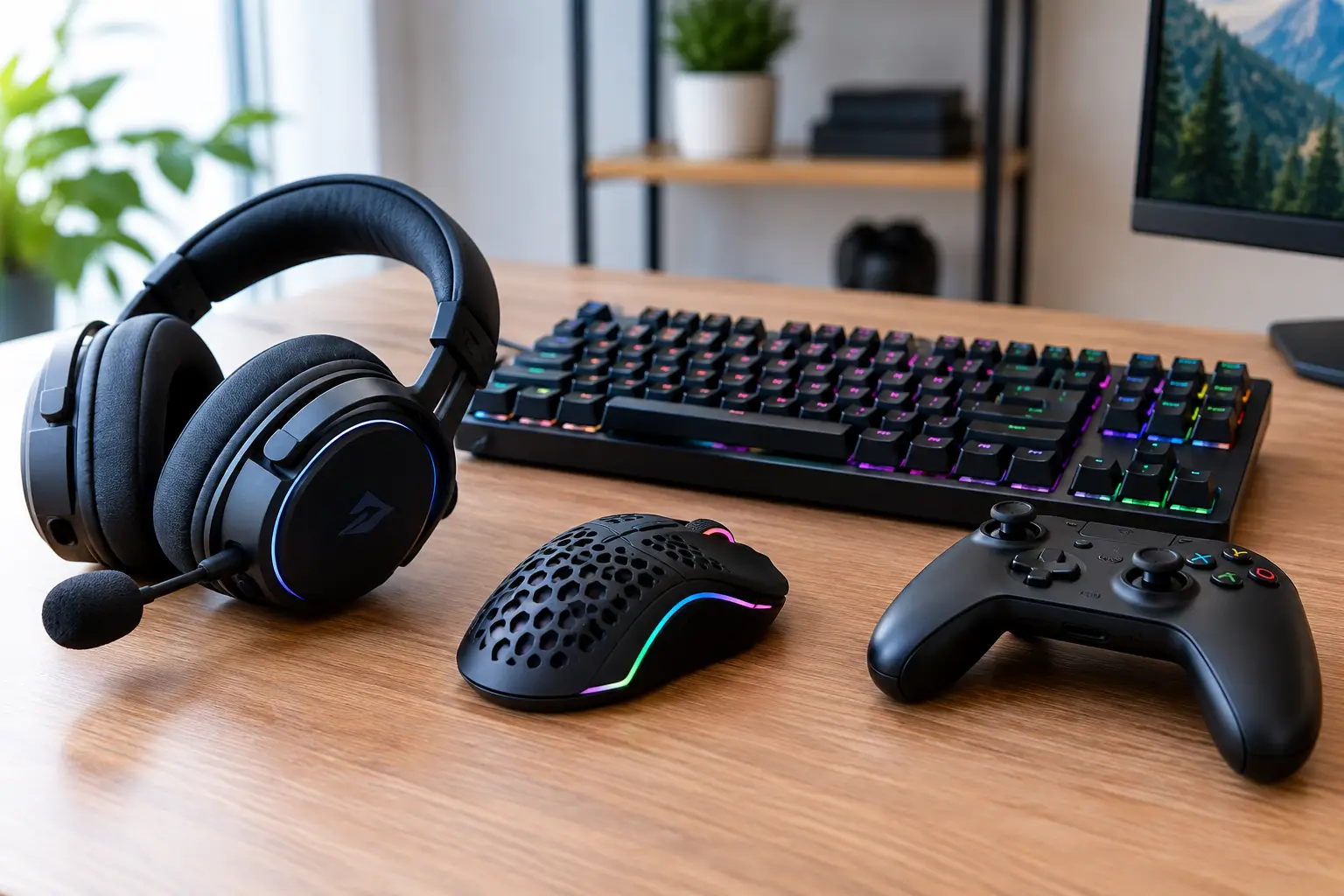
A mechanical keyboard is more than just a keyboard, just as a mouse with a working sensor and original receiver is not “just some mouse.” When selling gaming peripherals, the details often determine whether you make a fair deal quickly or sell at a random price. Buyers want to know the exact model, its actual condition, what’s included and whether the device will work straight out of the box.
A good listing doesn’t rely on big promises. It provides clear information about the model, switch type, connectivity, compatibility and signs of use, along with real photos. This saves you questions, builds trust and helps you find someone looking for your specific item.
Prepare your peripherals before selling
Before taking photos and publishing the listing, set aside 20 minutes to check the item. Connect the keyboard, mouse, headset or controller to a computer or console and test its main functions. For a keyboard, check every key, the backlighting, the USB port if it has one, and the software profiles. For a mouse, test the left and right buttons, scroll wheel, side buttons, sensor and wireless connection.
For a headset, check both earcups, the microphone, volume wheel, cable and dongle. If the model is designed for PlayStation, Xbox or Nintendo Switch, state which platform you tested it on. Not every headset with a 3.5 mm jack supports the same functions on every device, and some wireless models are limited to a specific ecosystem.
Clean the item carefully. A microfiber cloth, soft brush and lightly dampened cotton swab are more useful than harsh cleaners. Don’t spray liquid directly onto the keyboard, get the ports wet or try to hide a problem with a hastily glued-on rubber foot. Honestly disclosing a minor defect is better than disappointing the buyer after delivery.
If you still have the original box, USB cable, receiver, spare keycaps, stand, charging dock or carrying case, get them ready with the item. A complete set often adds value, especially for premium peripherals and discontinued models.
Set the price according to the model and condition
A common mistake is to set the price based on what the item cost new. For used gaming peripherals, that price is only a starting reference. The actual price depends on the exact model, age, condition, included accessories and whether the model is still widely available.
For example, a keyboard with Cherry MX Red switches, its original box and a detachable USB-C cable is worth more or less than a similar-looking model with unknown switches, worn keys and a missing cable. A wireless mouse without its original receiver often loses a significant part of its practical value. A controller with slight stick drift shouldn’t be priced as fully functional, even if the problem is noticeable only in a particular game.
Compare listings for similar items: the same model, similar condition and a comparable set of accessories. If you want a quick sale, price it a little below the average for comparable well-kept examples. If the item is rare, discontinued or comes with almost-unused accessories, don’t undervalue it. Sometimes the right buyer is waiting for exactly that version, colour or limited edition.
Leave room for reasonable negotiation, but don’t post a price that makes you feel obliged to accept every offer. A clear price shows that you know what you’re selling.
The title should identify the exact item
Titles like “gaming stuff” or “top mouse” don’t help the buyer. They search by brand, model, connection type and specific specifications, so include those details right at the start.
For example: “Logitech G Pro X Superlight 2 - white, wireless, with box.” For a keyboard, you could write: “Keychron K2 V2 - mechanical, Gateron Brown, ISO UK, Bluetooth.” If the layout is ANSI, ISO UK or ISO DE, be sure to mention it. For someone who writes and games every day, that’s no minor detail.
In the description, state when you bought the item, how often it was used and what it was used for. “Used for about six months for office work and evening gaming” is useful information. “Like new” isn’t enough if the keys are shiny, the cable is worn or accessories are missing.
What details to include in your listing
For every peripheral, there is information that directly affects the purchase decision. Describe it clearly instead of copying generic marketing text:
- exact brand, model and colour;
- connection type - wired, Bluetooth, 2.4 GHz or a combination;
- compatibility with PC, PlayStation, Xbox, Nintendo Switch, macOS or mobile devices;
- actual condition and specific cosmetic flaws;
- included box, cables, receiver, adapters, stand and spare parts;
- information about repairs, switch replacements, battery replacements or other modifications.
For a mechanical keyboard, specify the switch type, layout and whether it is hot-swappable. For a mouse, weight, sensor and skate condition are useful details. For a headset, specify whether the ear pads are original, whether the battery holds a charge normally and whether the microphone is included. This helps attract the right buyer rather than simply getting more views.
Real photos are more useful than filters
Take photos in daylight or under even lighting. You don’t need a studio, but choose a background that clearly shows the model and its condition. The first photo can show the whole item; use the following ones to show the logo, ports, cable, receiver, serial-number label if needed, and all included accessories.
Show any flaws, too. A scratch on the body, a minor mark on the cable or wear on the WASD keycaps doesn’t make the item unsellable. Hiding these things, however, makes the transaction less trustworthy. If the backlighting works, include a photo of the peripheral switched on. If you tested the controller in the console menu, a photo of the test can also reassure the buyer.
Don’t replace real photos with manufacturer images. They can supplement the listing, but they don’t answer the most important question: what does the exact item the buyer will receive look like?
A safe transaction is part of a good sale
The sale doesn’t end when you publish the listing. Answer questions clearly and calmly. If you’re not sure whether a particular feature works with Xbox Series X, don’t guess. Check, or be honest that you can’t confirm. Expertise doesn’t mean knowing everything by heart; it means not presenting assumptions as facts.
Pack the peripherals so they can withstand the courier journey. For mice and headsets, secure the receiver and cables separately. For keyboards, use bubble wrap and a sturdy box so the device can’t move around freely. The original box is a plus, but on its own it doesn’t provide enough protection.
On a specialist platform like KPZ, the right category, real photos and a clear description of the condition help fans and gamers find the right item more easily. Verified sellers, payment on delivery and no advance payment also reduce stress for both parties.
When it’s better to wait before selling
Sometimes the best decision is to wait. If an important cable or dongle is missing, look for it before cutting the price drastically. If you have a rare keyboard with its original keycaps or limited-edition peripherals from a specific game, don’t value them like an ordinary mass-market model. Collector value doesn’t guarantee a high price, but it’s worth researching.
At the same time, not every old peripheral is a retro find. A worn membrane keyboard without its box and with keys of uncertain functionality is probably better suited to being sold as an inexpensive working option than as a “rare” item. An honest assessment can save you weeks of waiting.
Prepare the item, describe it the way you’d want to see it described if you were thinking of buying it, and state its condition clearly. That way, you’ll make room for your next upgrade, while someone else gets peripherals ready for many more games.
Find it at KPZ
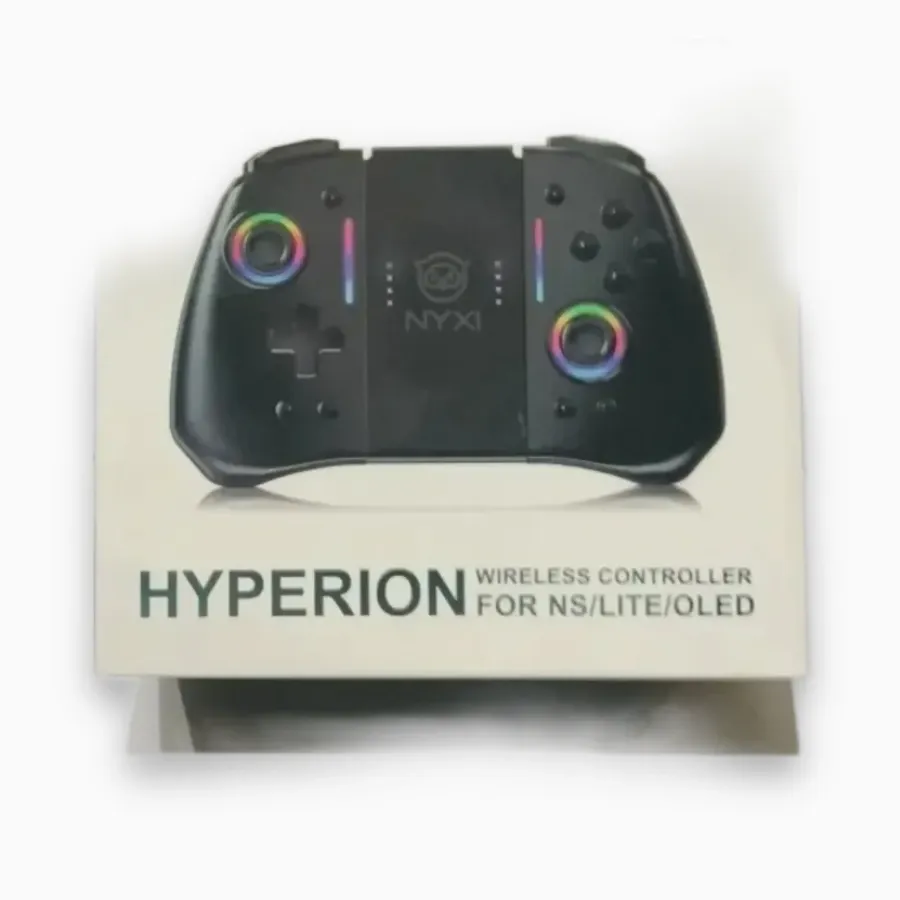
NYXI Hyperion Wireless Controller for Nintendo Switch / Lite / OLED
29,00 €
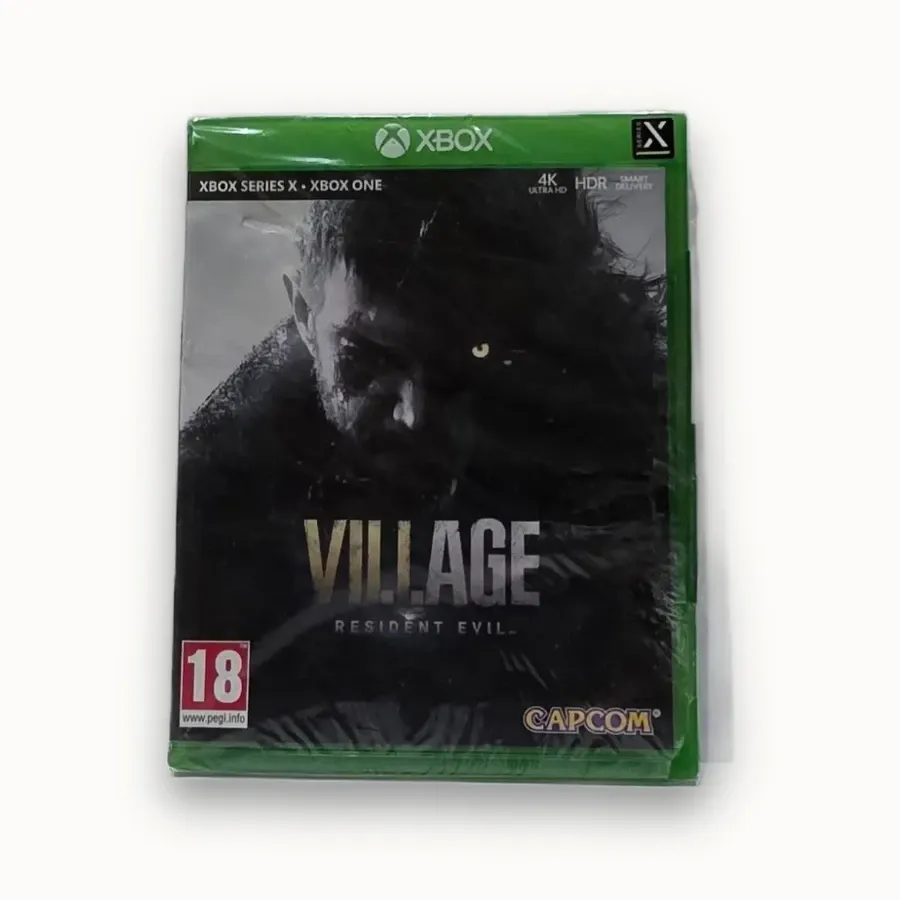
Resident Evil Village — Xbox Series X / Xbox One, PAL
49,00 €
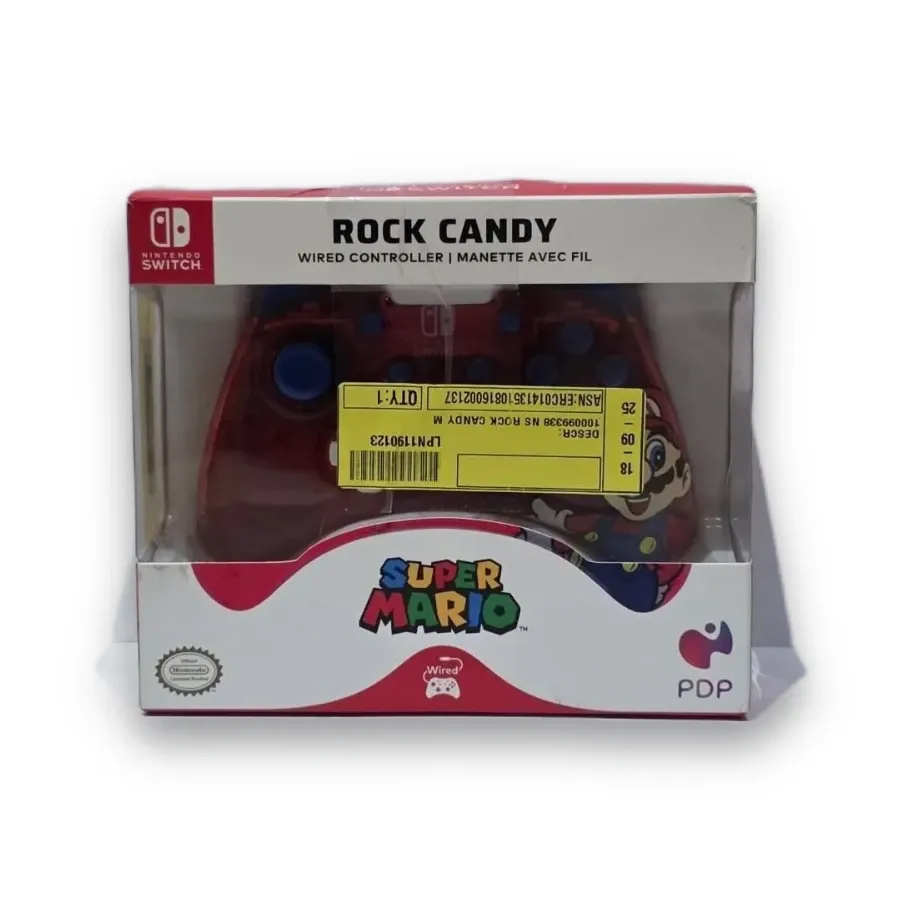
PDP Rock Candy Super Mario Wired Controller for Nintendo Switch
24,00 €
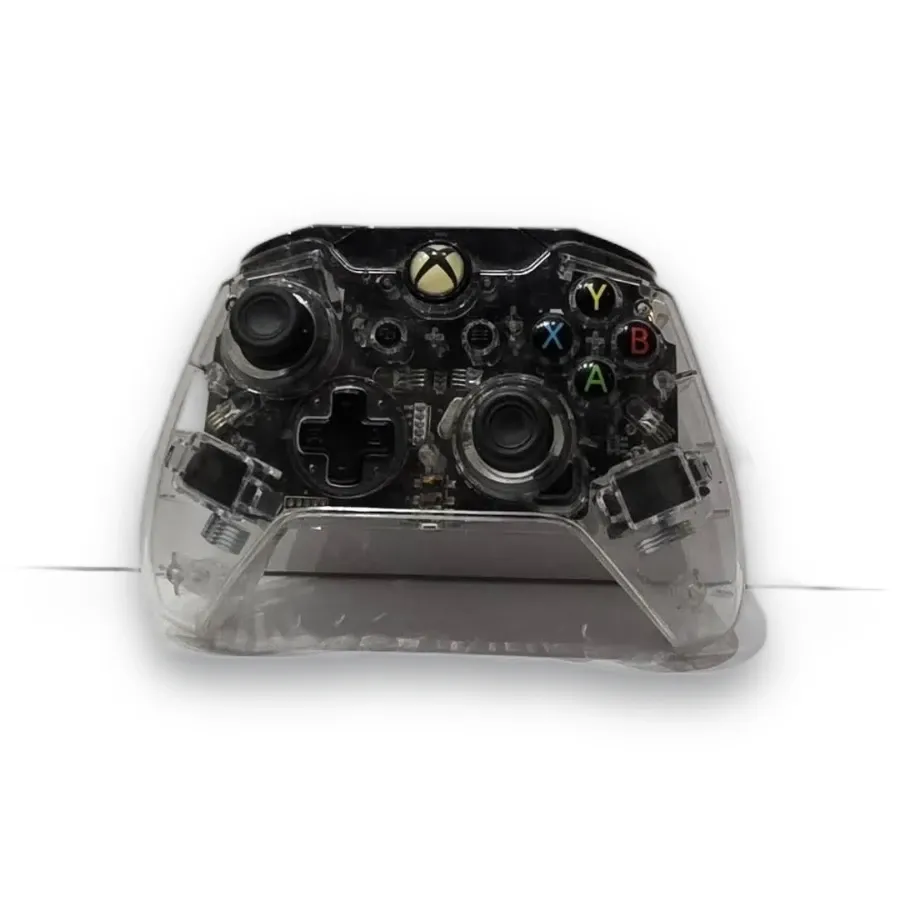
PDP Afterglow Clear Wired Controller for Xbox One — Incomplete
28,00 €
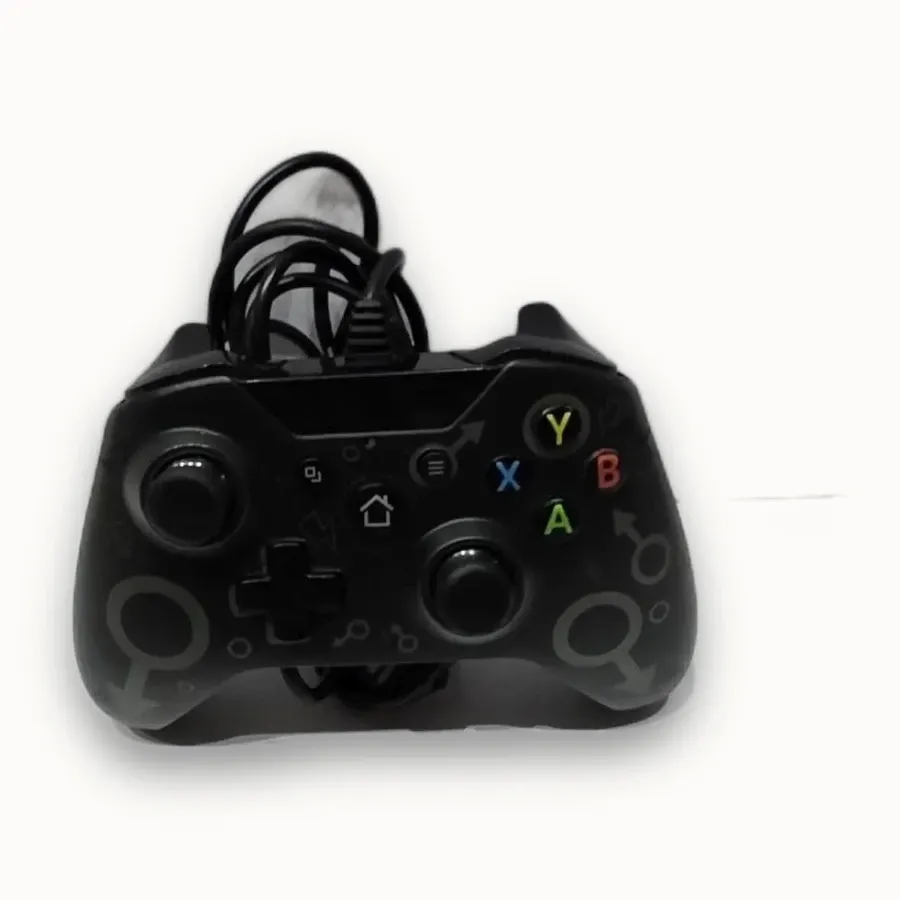
N-1 Wired Controller for Xbox One
20,00 €
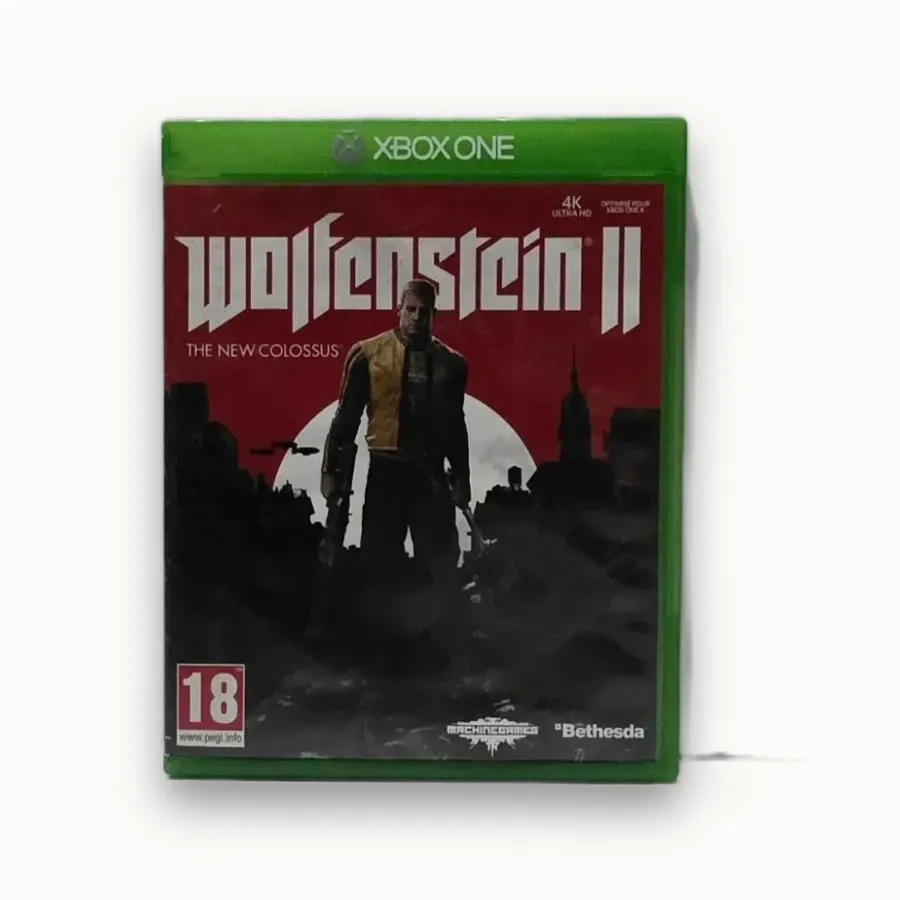
Wolfenstein II: The New Colossus for Xbox One — PAL/EU
16,00 €
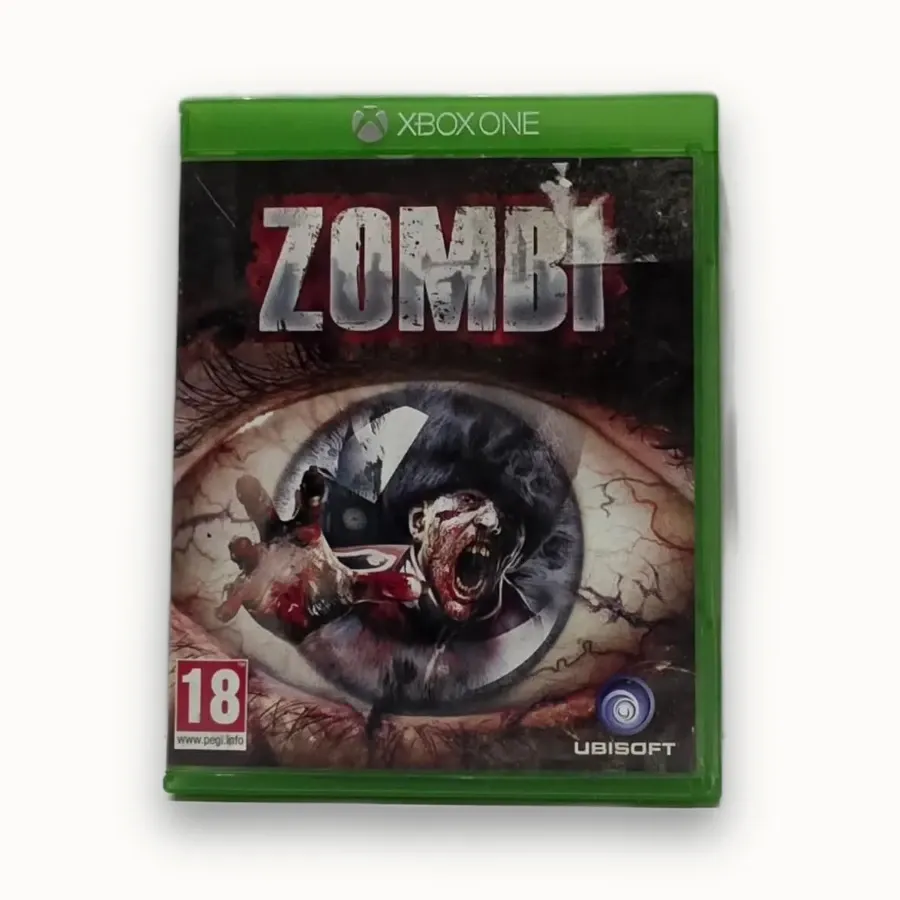
Zombi for Xbox One — PAL/EU Edition
11,00 €
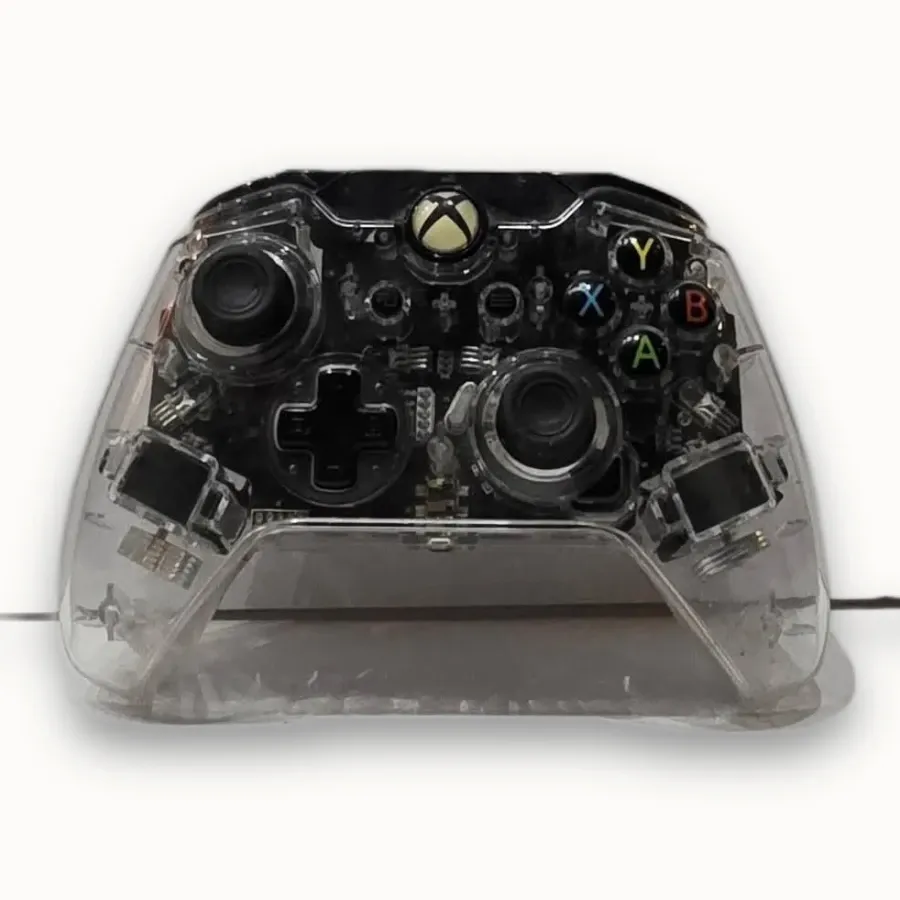
PDP Afterglow Clear Wired Controller for Xbox One
30,00 €
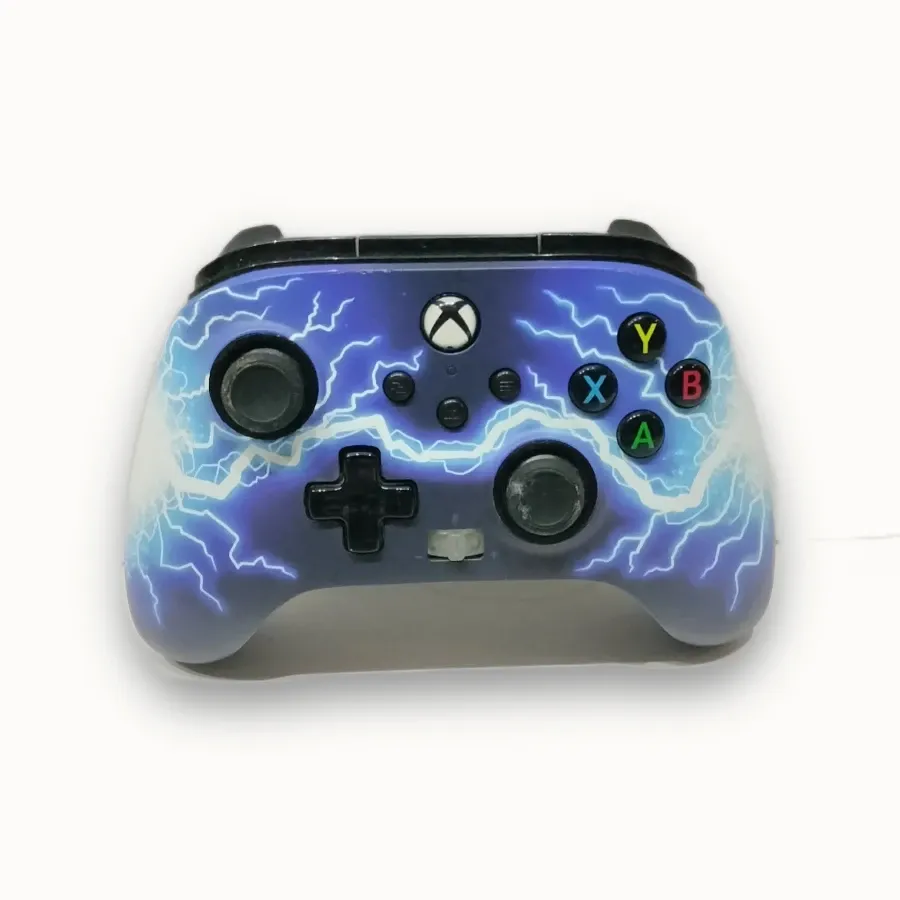
PowerA Enhanced Wired Controller for Xbox – Arc Lightning
30,00 €
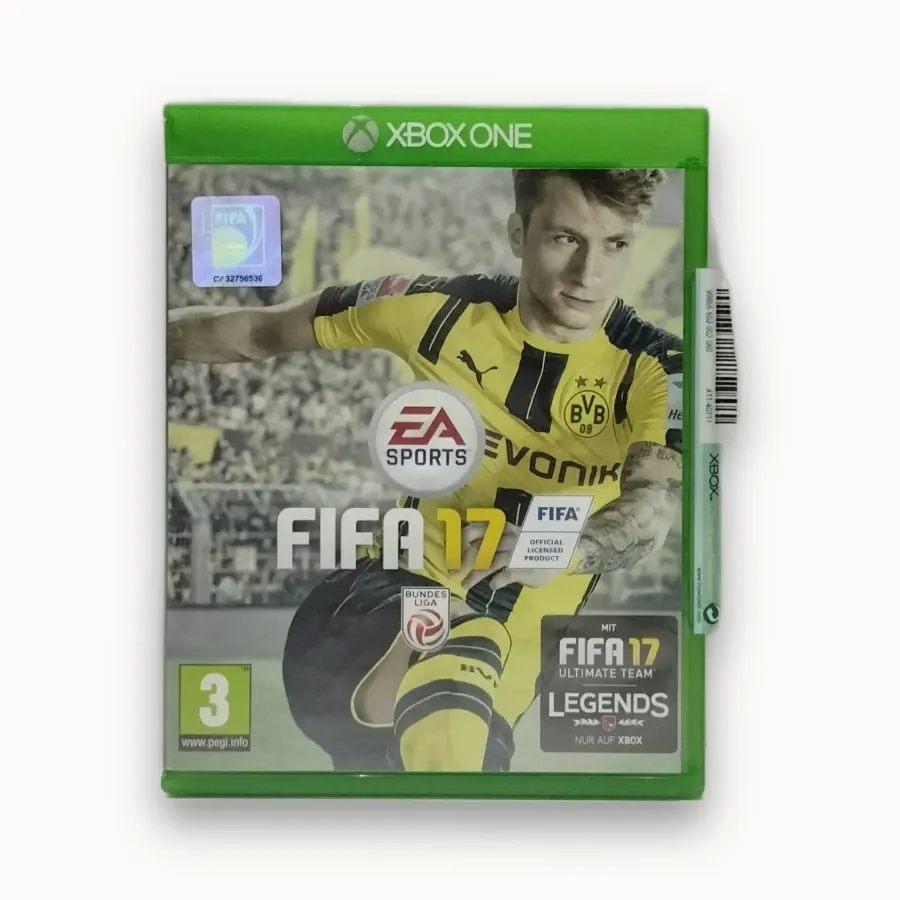
FIFA 17 for Xbox One — PAL/EU
5,00 €